
Light or Dark Side? Claim Up to C$4,500 or 2,200 Free Spins
Two ways to start, one galaxy of slots.
Pick Your SideSlotsvader Mobile App for Canadian Players
Our Slotsvader casino app access guide takes you from desktop to phone using the platform buttons and QR code on our website. To download Slotsvader, start there and follow the instructions displayed on your device. Existing players keep their original profile.
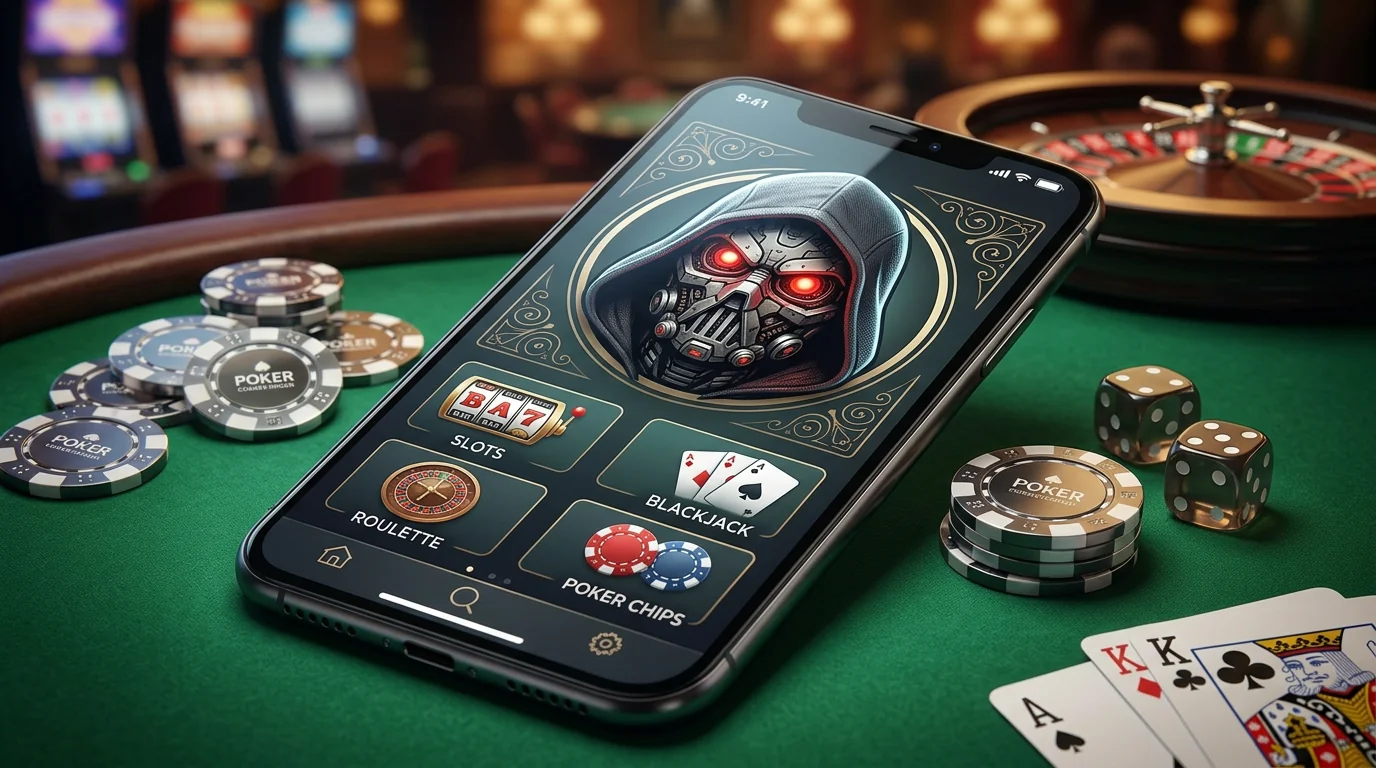
Why Choose the Slotsvader Mobile App
Here's how mobile access fits into your visit: browse available games, review promotions and manage payments from a phone. Switching screens doesn't require starting again.
Convenience for Canadian Players
With Slotsvader app access, you can move between computer and phone without registering twice. Multiple accounts aren't permitted, so use existing credentials when returning on another device.
Before starting a session, check these practical details:
- Registered contact information should remain accessible for recovery and verification.
- Game availability can depend on location, provider and player profile.
- Promotions have individual eligibility requirements, even when displayed on a phone.
- Cashier transaction limits depend on the method available after sign-in.
- Responsible gaming restrictions remain attached to the player, regardless of device.
Canadian players must meet our minimum age of 18 and any higher legal gambling age applicable in their jurisdiction. Local restrictions still apply; changing devices doesn't change eligibility.
Security Features
Protect your phone and registered inbox before using sensitive account features. Choose a unique password and log out when finished on shared devices.
We recommend two-factor authentication through available profile security settings. Follow those setup instructions yourself, and never send passwords or recovery codes in ordinary support messages.
| Control | Available setting | What it does |
|---|---|---|
| Take a Break | 1 day, 3 days or 1 week through My Account > Settings | Blocks login, deposits, withdrawals and play during that period |
| Reality Check | Reminders at 60, 90 or 180 minutes | Flags session length without automatically stopping play |
| Indefinite self-exclusion | Request through [email protected] | Blocks login, deposits, withdrawals and play indefinitely |
Take a Break ends automatically after the selected period. Indefinite self-exclusion has no scheduled automatic return, and opening another profile isn't a way around either restriction.
Slotsvader App for Android and iOS
Let's move to the platform buttons. On desktop, App for Android and App for iPhone each open an Install app window containing a QR code for you to scan.
Android Installation Steps
For Slotsvader Casino on Android, start from our desktop website. Keep phone security protections enabled while you follow this sequence:
- Open Slotsvader on a computer, then locate App for Android.
- Select that button to display the Install app window.
- Bring its QR code into view without covering any part of it.
- Scan using an Android phone; inspect the destination presented.
- Continue with instructions displayed on that device.
To download Slotsvader through this route, use the code provided on our site rather than a file offered by an unrelated page. If a warning or unfamiliar request appears, stop and ask support before proceeding.
iOS Installation Steps
For Slotsvader Casino on iOS, choose App for iPhone from desktop. You'll move to the phone once its camera reads the displayed code:
- Visit Slotsvader on a computer, then find App for iPhone.
- Select it to open Install app.
- Position the iPhone camera so it can read the QR code.
- Review the destination before opening it.
- Follow any further instructions presented on the iPhone.
When you download Slotsvader using this option, continue from the destination shown rather than searching through lookalike listings. Contact our team if further steps aren't clear.
Game Selection on Mobile
Now you can explore categories available through Slotsvader mobile app access. Our catalogue includes Slots, Jackpot, Blackjack, Roulette, Live Casino and Instant Games; individual titles can vary by location, provider and device.
For slot browsing, these title-and-studio pairings provide useful starting points:
- Sweet Bonanza 2500 is from Pragmatic Play.
- Hot Chilli Bells is a BGaming title.
- Mummyland Treasures comes from Belatra.
- Mighty Wild: Panther is from VoltEnt.
Live providers include Pragmatic Live and Ezugi. Read individual game rules before you select stakes, especially when moving from reels to dealer-led play.
The Jackpot category doesn't mean every listed title uses a progressive prize pool. Check each game's own mechanics; phone access isn't a reason to expect different odds or guaranteed winnings.
App Exclusive Bonuses
Review promotions attached to your profile through Slotsvader casino app access. Campaign terms determine device eligibility; a mobile screen alone doesn't make an offer app-exclusive.
Installing or opening mobile access doesn't automatically award a reward. Our standard Welcome Package is based on the first three qualifying deposits, not installation; choose one available option per stage, which can't be changed after activation.
Welcome Offers on Mobile
You can compare these first-deposit Light Side and Dark Side options before choosing a promotion:
| Deposit band | Light Side reward | Deposit band | Dark Side reward |
|---|---|---|---|
| €20-39 | 120% up to €65 | €80-99 | 100% up to €500 |
| €40-59 | 120% up to €65 + 100 Free Spins | €100-119 | 100% up to €500 + 200 Free Spins |
| €60 or more | 120% up to €65 + 100 Free Spins + 3 Force Spins | €120 or more | 100% up to €500 + 200 Free Spins + 5 Force Spins |
These are promotional deposit bands, not universal cashier minimums. Check the applicable offer before depositing, including eligibility and any amount between the displayed bands.
One Force Spin has a nominal value of €1, not a guaranteed cash win. Welcome Free Spins are allocated together for one day, so check their assigned games and timing before starting.
Conditions Before Activation
Before you accept an offer through Slotsvader app access, review how its wagering and expiry rules affect play. Available promotions may carry different conditions.
- Welcome wagering is 45x the bonus amount, not the combined deposit and bonus.
- The maximum bonus stake is €5, including feature purchases and bet increases.
- Activate credited bonuses within 48 hours; general validity is five days after activation unless individual terms differ.
- Only one bonus can be active at once, and an active withdrawal request prevents bonus crediting.
- Requesting withdrawal before completing wagering cancels the bonus and related winnings.
- Deposit bonuses and their Free Spins generally have a winnings cap of five times the deposit unless specific terms differ.
Game exclusions also apply. Don't assume every visible title qualifies for bonus play, or apply welcome wagering automatically to unrelated reload or cashback offers.
Payment Options in the App
Your Slotsvader casino mobile app cashier follows the same verification requirements as other access routes. Available methods depend on location, player status and provider, rather than logos elsewhere on the site.
How to Deposit
Use only personal cards or payment accounts belonging to you. Listed payment categories include cards, e-wallets and direct bank payments, but the options shown after sign-in determine what can be selected.
Follow these steps before confirming a transfer:
- Open the cashier, then select an available deposit method.
- Review its minimum and maximum transaction amounts.
- Enter an amount within those limits and a previously chosen entertainment budget.
- Use payment details held in the registered player's own name.
- Review any bank or provider charges before confirming the transaction.
We don't charge a deposit fee, although external banks or payment services may apply costs. Some deposits arrive instantly; others take several business days, depending on the method.
A welcome threshold and a cashier minimum aren't interchangeable. For example, €20 qualifies for a particular Light Side offer, but doesn't establish a deposit minimum for every payment option.
How to Withdraw
You can have up to three withdrawal requests active simultaneously. Payouts normally use the original deposit method and personal payment details; if that method isn't available, an alternative may be selected.
Before submitting a request:
- Check that eligible funds are available and review any active bonus first.
- Choose an available withdrawal method using personal payment details.
- Observe the minimum: €10 for bank transfers, €50 for crypto methods or €20 for other methods.
- Review applicable limits and possible processing charges before proceeding.
- Respond to any verification request through the instructed process.
Identity verification, or KYC, is required when you request withdrawal or when our Risk Department asks for it. Signing in or opening the cashier doesn't complete those checks.
Limits and Timeframes
Player level affects withdrawal ceilings. Use these EUR amounts alongside the method-specific information shown to you:
| Player level | Per transaction | Per day | Per month |
|---|---|---|---|
| 1-10 | €500 | €500 | €10,000 |
| 11-30 | €600 | €600 | €12,000 |
| 31-60 | €700 | €700 | €15,000 |
| 61-90 | €800 | €800 | €17,000 |
| 91-100 | €1,000 | €1,000 | €20,000 |
Limits can also depend on payment method and profile status. Using Slotsvader casino app access doesn't create an additional withdrawal allowance.
When real-money wagering is below three times deposited funds, up to 15% of a withdrawal may be withheld. Our financial department can instead require completion of that turnover; separate processing fees may also apply.
Verification Before Payment
KYC normally takes up to three business days after all suitable requested documents arrive, with possible extensions for additional checks. You must provide requested documents within 30 calendar days after a withdrawal request; failure can lead to confiscation of winnings and closure of the account.
Depending on the review, we may request:
- Identification matching registered personal details.
- Proof of residential address.
- Evidence of payment-method ownership.
- A selfie for additional identity confirmation.
Financial processing follows successful identity and profile checks, while provider handling can add time. Contact [email protected] for verification questions; a three-business-day KYC review isn't a guaranteed payout deadline.
Step-by-Step: Download and Login
Resolve mobile access first, then sign in with your existing credentials. The checks below help you deal with scanning or login problems without repeating registration.
Download Process
To download Slotsvader, use the matching platform button on our desktop website, then continue through its QR code. Before opening any destination, check that it came from that flow rather than an unsolicited message or third-party download page.
If scanning doesn't work, try these practical checks:
- Keep the full code visible on the computer screen without cropping its edges.
- Adjust camera distance or screen glare so the phone can read it.
- Check internet access on both devices before trying again.
- Reopen the relevant platform window if the displayed code won't load.
- Contact Live Chat or [email protected] if further instructions remain unclear.
Our player support operates 24/7. For Slotsvader app access problems, tell us which device and platform button were used, and describe what appeared after scanning without sharing credentials.
Login Process
Once mobile access is open, select Log in and enter existing credentials. For Slotsvader Casino on Android or iPhone, another registration isn't needed.
If sign-in fails, work through these checks:
- Read any displayed error or restriction notice before retrying.
- Check keyboard language, Caps Lock and saved credentials for mistakes.
- Use the available recovery option when a password is forgotten.
- Contact support if registered contact details are inaccessible or recovery doesn't help.
Opening Slotsvader casino app access doesn't override KYC, Take a Break or self-exclusion. Follow account notices and ask us about unresolved restrictions rather than attempting to bypass them.
FAQ
Log out of Slotsvader Casino on iOS and remove saved casino credentials from a device you won't control. Keep access to your registered contact details for future sign-in or recovery.
Use the matching iPhone or Android button on our website to begin mobile access. Ask support to clarify any unfamiliar installation step before proceeding.